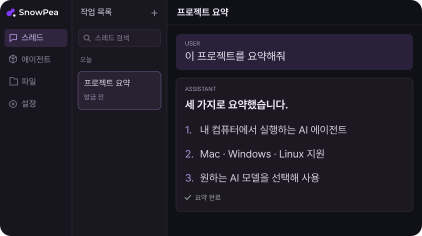
Hand it off in words,
check the results.
From research to analysis and report writing.
Give Agent a complex task and it makes a plan and works through it,
asking for your confirmation at the steps that need it.
Hand off
From research to review,
it just keeps going.
Agent carries on from research to data collection, comparison and report writing.
All you have to do is check the result.
- Web researchBrowse the web
- Extract dataFilter the data
- Compare and analyze
- Write the
deliverable - Verify results


Repetitive task automation
Hand off the work you repeat often, like organizing data, converting documents and sending email.
- Organize data
- Send email
- Convert documents
- Manage schedule


Control
It shows the plan first,
and asks before important actions.

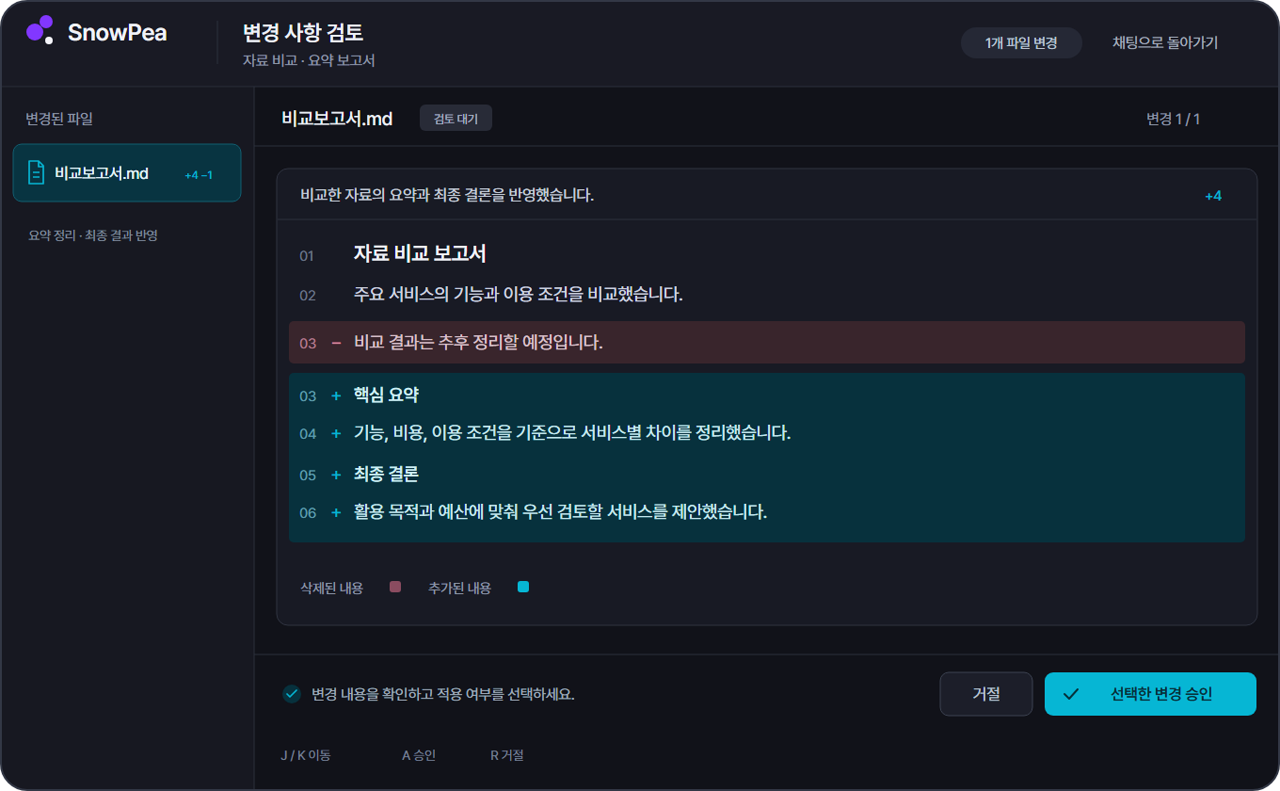
Review
See only what
changed, at a glance.
Compare the changes Agent made file by file,
and choose which ones to apply.
- J / KMove
- aApprove
- rReject
Team
It doesn't work alone.
It splits the work by role.
Several Agents split one task by role.
Work that can run at the same time runs in parallel, and the results are gathered into one deliverable.
Write a competitor analysis report
 Write a competitor analysis report
Lead Agent
Researcher
Collects competitor data
Analyst
Compares price and features
Writer
Drafts the report
Reviewer
Cross-checks results


Competitor analysis report
Subagents
Delegate detailed tasks to a separate Agent
and receive the finished result.Team mode
Several Agents share the work
and run what they can in parallel.Named agents
Save the roles and settings you use often
and reuse them in later tasks.
For development work, git worktree separates each Agent's workspace so they can run in parallel.
Memory and scheduling
It remembers,
and acts when the time comes
It finds and reuses earlier work,
and runs scheduled tasks at the time you set.

Long-term memory
Saves earlier conversations and work, and finds them again when you need them.


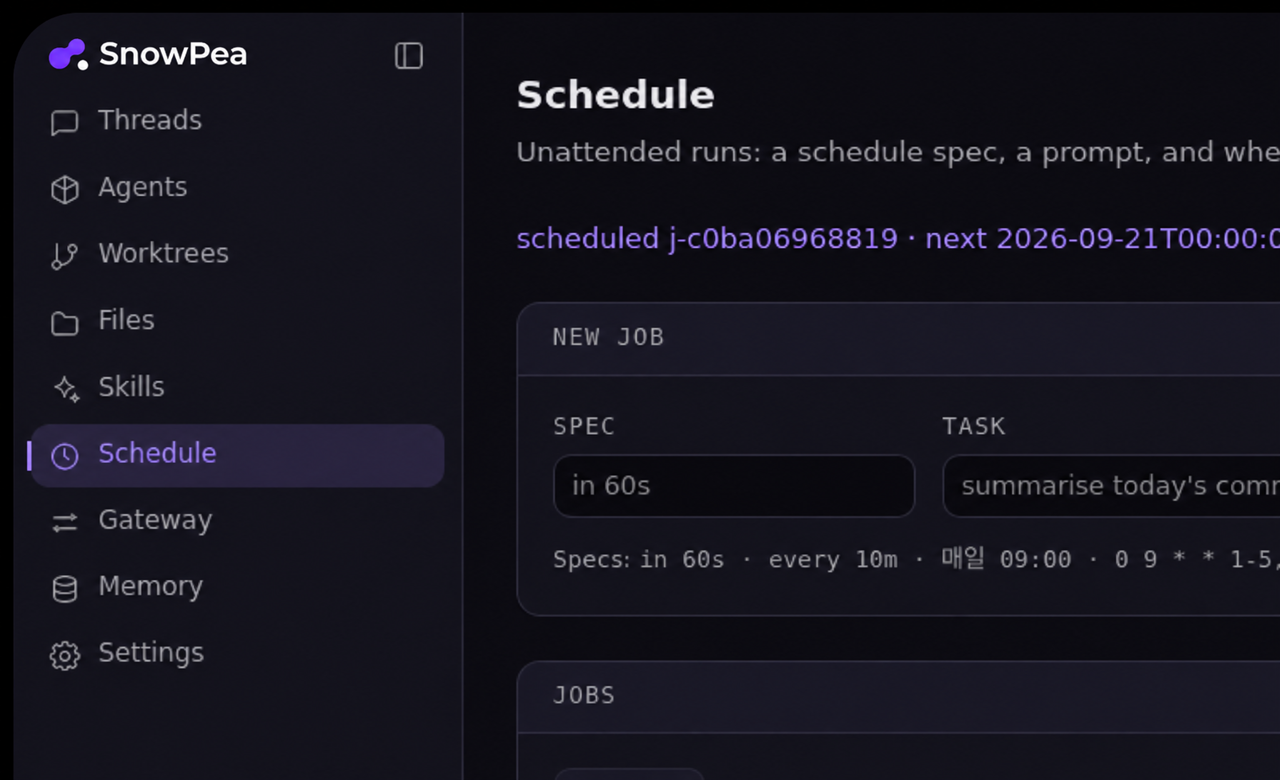
Scheduling
Schedule recurring tasks or tasks that run at a set time. You can check the results too.
- Daily at 9 AM
- Every 10 minutes
- Weekdays at 9 AM
Messenger integrations
Even when you step away,
the work goes on.
Check progress and results in Telegram, Discord or Slack, and request new tasks from there.
- Telegram
- Discord
- Slack
- Voice support
Developer tools
Choose from many
AI models.
Connect to many AI model services,
and pick the runtime that fits the job: your computer, Docker or a remote server.
- 11LLM providers
- Anthropic
- OpenAI
- OpenRouter
- Gemini
- xAI
- GLM
- MiniMax
- Kimi
- DeepSeek
- Qwen

OpenAI-compatible API endpoint
Your computer (Local)
On Linux, macOS and Windows,
keep your data safe.Docker
Runs reliably in an isolated
environment inside a container.Remote server (SSH)
Share and manage it the way you want.


Your interface
In the terminal,
on the desktop.
Choose whichever you know best, the terminal or the desktop,
and developers can check SDK support too.
Compare our competitors
Plan
- Search for competitor candidates
- Collect price and feature data
- Build the comparison table
- Generate the summary report
Proceed with this plan?
Approve · Edit · Cancel